


- 🌎 International
-
 Bugs
Bugs

0
Fixed
Layout Issues google chrome
Having layout issues on my mac using Google Chrome. Seems like the website is interpreting my browser as a phone so the layout is messed up (text is not utilising the full screen).
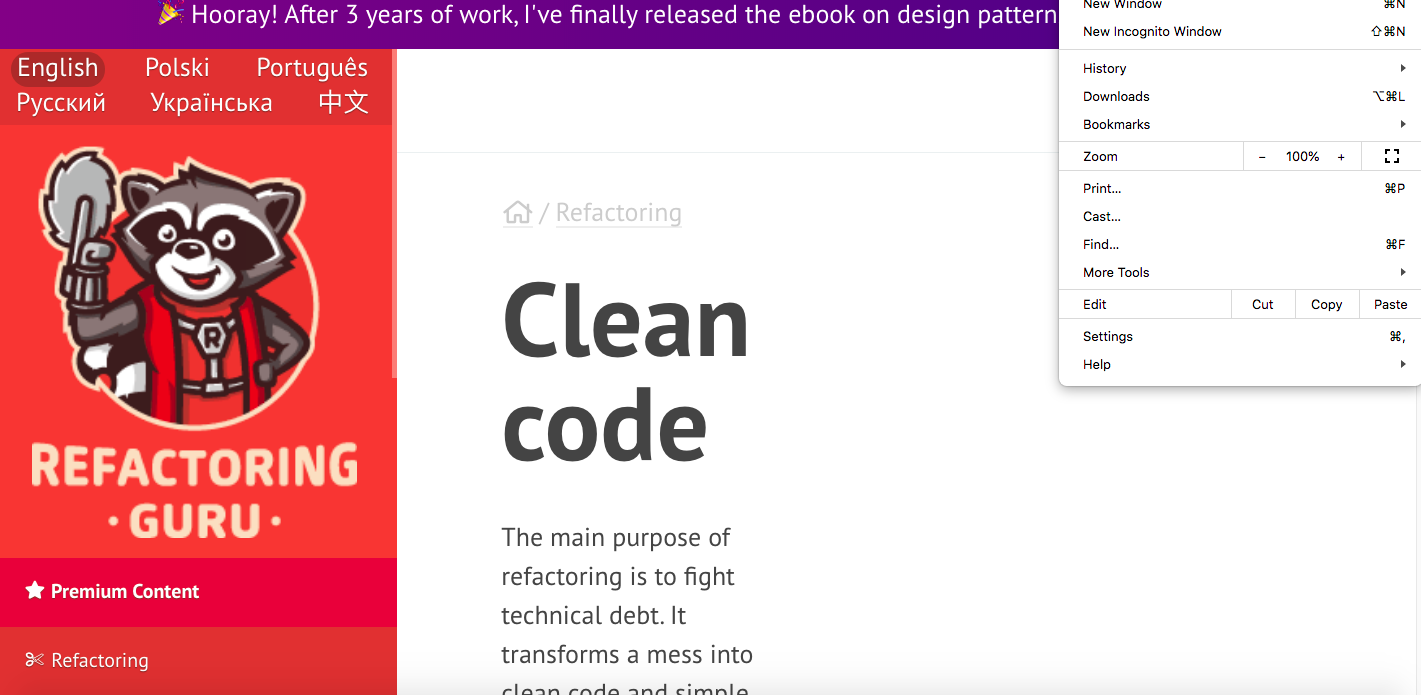
Even when I zoom out/in, it doesn't fix itself.
Zoomed in- pain to scroll and read.
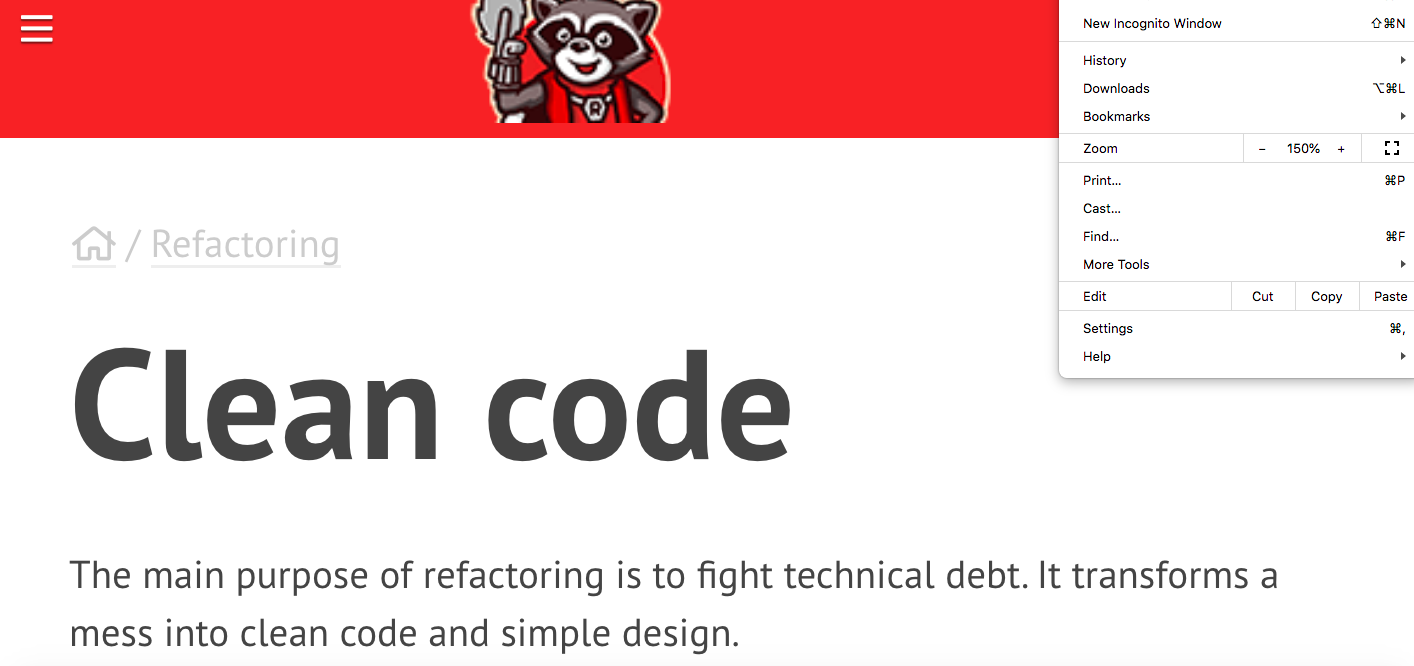
zoomed out - also a pain to scroll through.
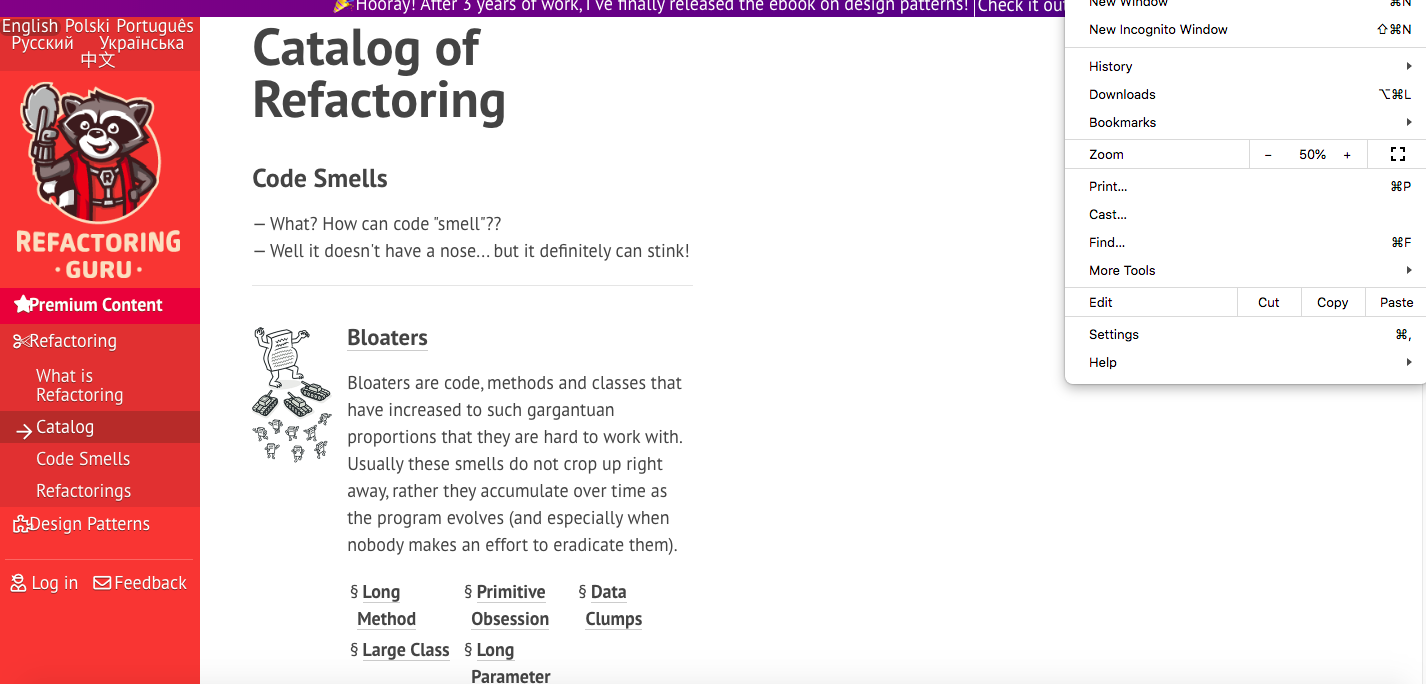
Using Safari seems ok, but I prefer using Google Chrome. Is this a bug or is there a fix?
Сервис поддержки клиентов работает на платформе UserEcho
Hm, this is weird. I can't reproduce it on my end. Do you have any UI Scaling on OS level?
No, I don't think so. I've checked my display settings on my system preferences and it's on default.
Hm, any browser extensions that might be causing it then?
Hey, sorry just saw this. I didn't change anything on my browser, but the layout is fine now, so looks like you guys managed to fix it!
Hi! Yes, I was able to track it down, the problem could be triggered by increasing the default font size setting inside Google Chrome. I didn't know these settings exist at all, so after some adjustments to website styling, the problem was fixed.